
How to turn a PDF into a page-flip document
You can create a page-flip PDF in three steps: take a finished PDF, check if it is suitable for the screen, and either upload it yourself to an online tool or have it converted. Digitaal Publiceren.com converts your finished PDF into a page-flip document for €75 €52,50 excl. VAT, online within 1 hour. We do not provide design services: you provide a finished PDF, and we make it browsable.
Already have your PDF? We turn it into a flipbook. We don’t design anything: you supply a finished PDF.
- No subscription
- 100% ad-free
- PDF can follow later
What is a page-flip PDF?
A page-flip PDF is a document that your readers can turn page by page in their browser, like a printed magazine, instead of scrolling through a long PDF file. The layout, images, and page order remain exactly as they are in the PDF. Other terms include flipbook, digital catalog, browsable PDF, or online magazine. The starting point is always an existing document. You can read more about this on the Create flipbook page.
What you need
Above all, you need a finished PDF. The page-flip document displays your PDF exactly as it is. Therefore, text, images, and layout should be finalized before you convert it. You should also consider in advance where the document will appear: as a link shared via email or social media, embedded on a page of your website, or both. Additionally, clarify how long it should remain online, as this can affect the price.
What to look for in the PDF
Regardless of whether you convert it yourself or have it converted: a few general points determine whether the document will be easy to read on screen. These apply to every PDF:
- Export the final version, not a draft or a file with comments.
- Use the same page format throughout, with the title page as the first page and pages in reading order.
- Embed fonts during export so the text looks the same on every device.
- Create links as actual hyperlinks in the PDF. A web address that is only written as text is not clickable.
- Remove crop marks and bleed from a print file, as they are visible on screen.
- Keep images sharp enough for the screen without making the file unnecessarily large.
Create it yourself or have it created?
There are two ways to turn a PDF into a page-flip document. The first is an online tool with a subscription, sometimes with a free plan. You upload the PDF, set up the viewer yourself, and manage everything in your own account. The terms of the respective tool apply, for example, regarding advertising in the viewer, upload limits, and the duration your publications remain online. If you want to create and design many documents yourself every month, a tool is the obvious choice. You can find a cost comparison on our Yumpu Alternative page.
The second way: have it created for you. You send the PDF and receive a finished page-flip document without having to learn software and without a subscription. This is suitable for companies and organizations that publish a few documents a year, such as a digital catalog or an annual report.
How it works at Digitaal Publiceren.com
Digitaal Publiceren.com is based in Giessen, Netherlands, and has been putting PDFs online since 2011. You order online in four steps and see a preview and the price immediately. You upload your PDF during the ordering process, up to 512 MB, or you select "Deliver PDF later" and upload it later in your customer area. Larger files can be sent via WeTransfer to info@digitaalpubliceren.com, including your order number.
Without videos, your document will be online within 1 hour of delivery. In the delivery email, you will find a link for sharing, an embed code for your website, and a QR code. The document features a page-flip function and a search function, works directly in the browser on smartphones, tablets, and computers, links from your PDF remain clickable, and it is ad-free, featuring your logo and colors.
The price is €75 €52,50 excl. VAT per publication, for any number of pages, including 12 months online and without a subscription. For an additional fee, YouTube or Vimeo videos are available for €10 (up to 5 videos, processed within a maximum of 1 business day) and an additional file check for €15 with one round of corrections. For 4 or more publications, the price per publication decreases. You can find all details under Rates.
Make your PDF browsable
Is your PDF ready? Then order your page-flip document and upload the PDF directly, or deliver it later. You can see what the result looks like in advance in our examples.
Ordered in four steps
You see a preview and the price straight away.
Your PDF
Upload your PDF and see a preview straight away. Not ready yet? Deliver it later.
Appearance
Title, logo, main colour, background and the language of the buttons.
Main colourOptions
Hard cover, page-turn sound and Google Analytics are free to choose.
Page-turn soundHard coverOrder
Pay with iDEAL, PayPal, card, Bancontact or by invoice.
Total€75€52.50excl. VAT
What does an interactive flipbook cost?
How many publications do you want to put online?
With several publications you deliver the PDFs within 12 months, whenever it suits you.
€75 €52.50 per publication
€75 €52.50
total excl. VAT
Order now- Any number of pages, the same price
- No subscription
- Volume discount for several publications
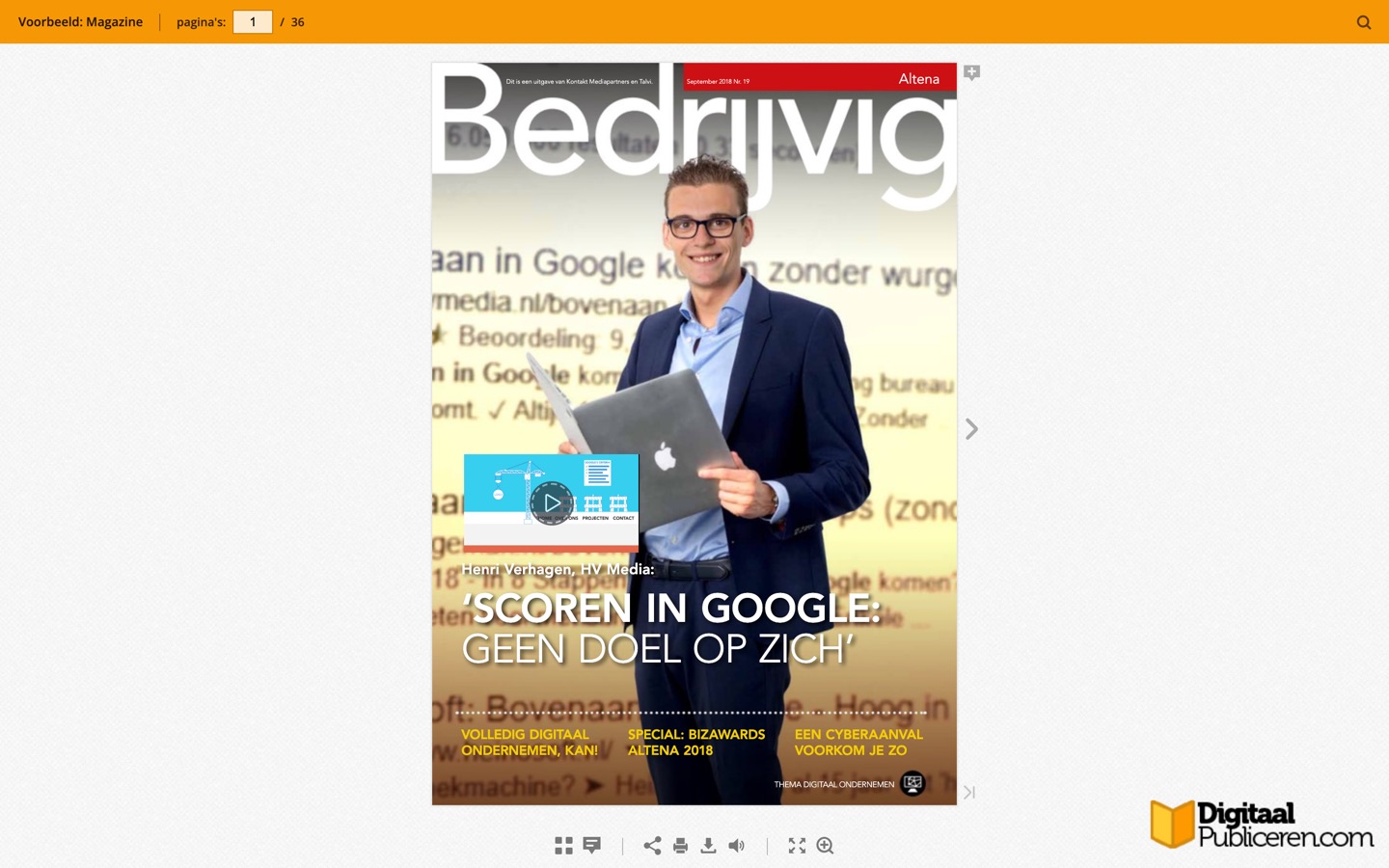
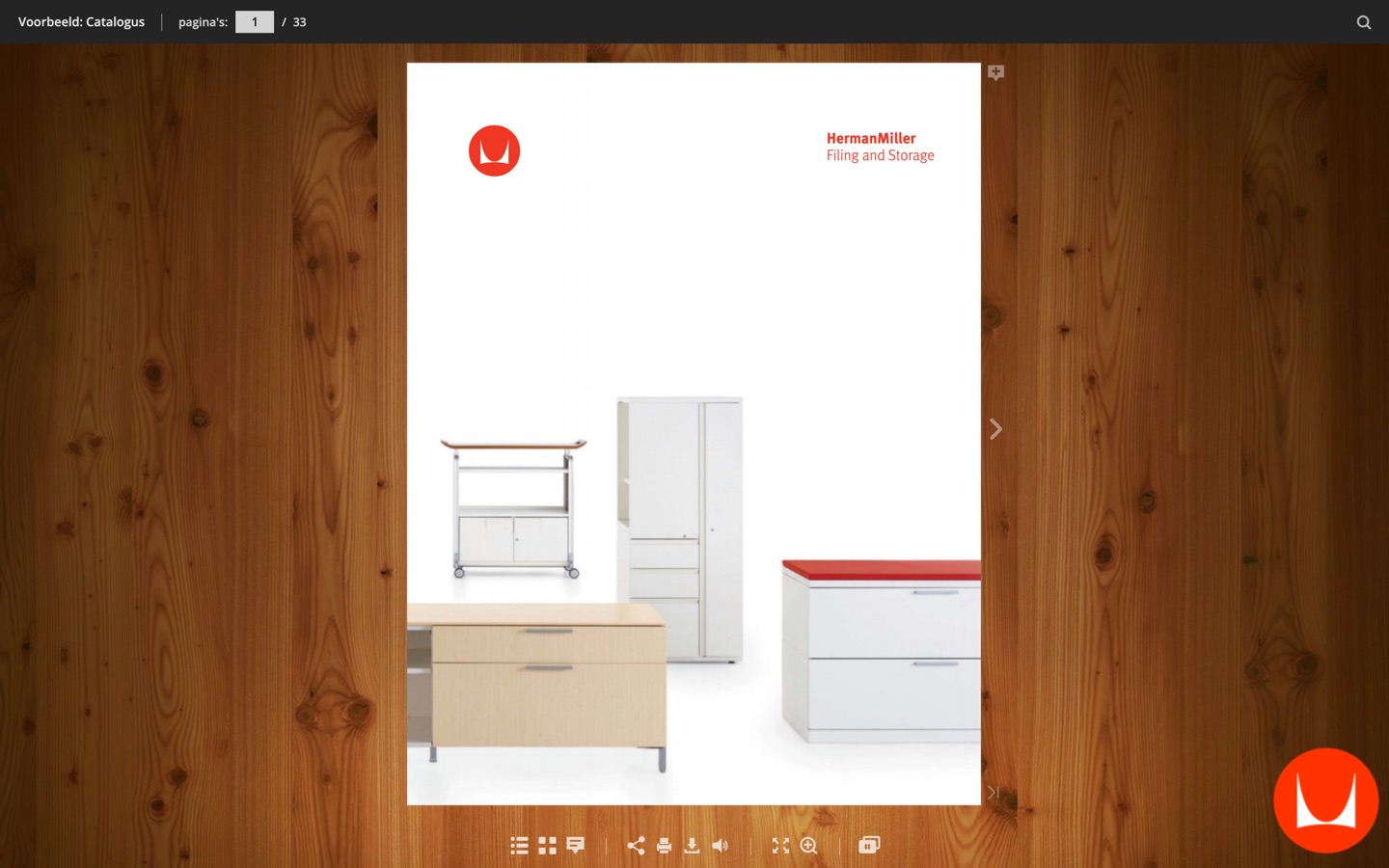
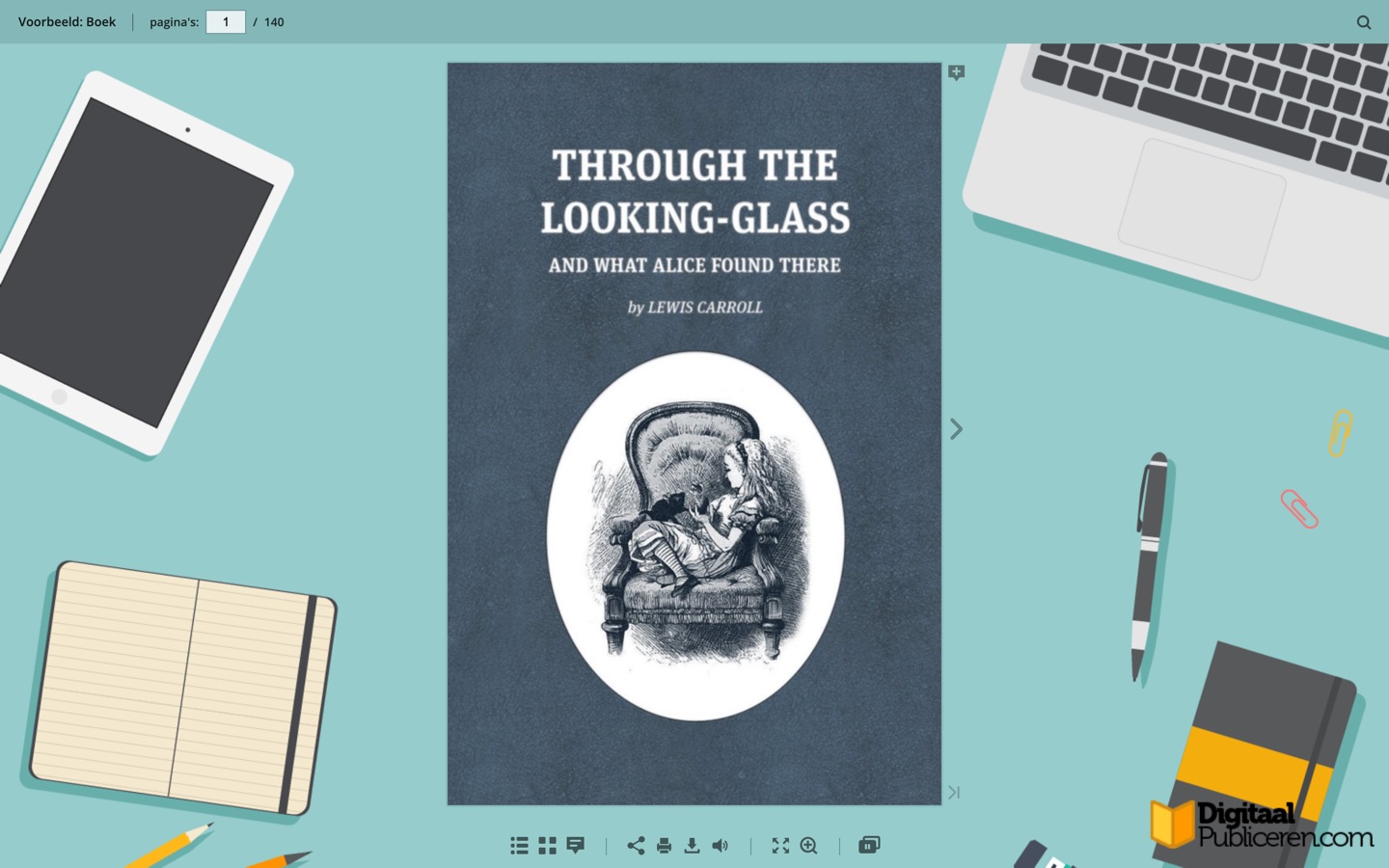
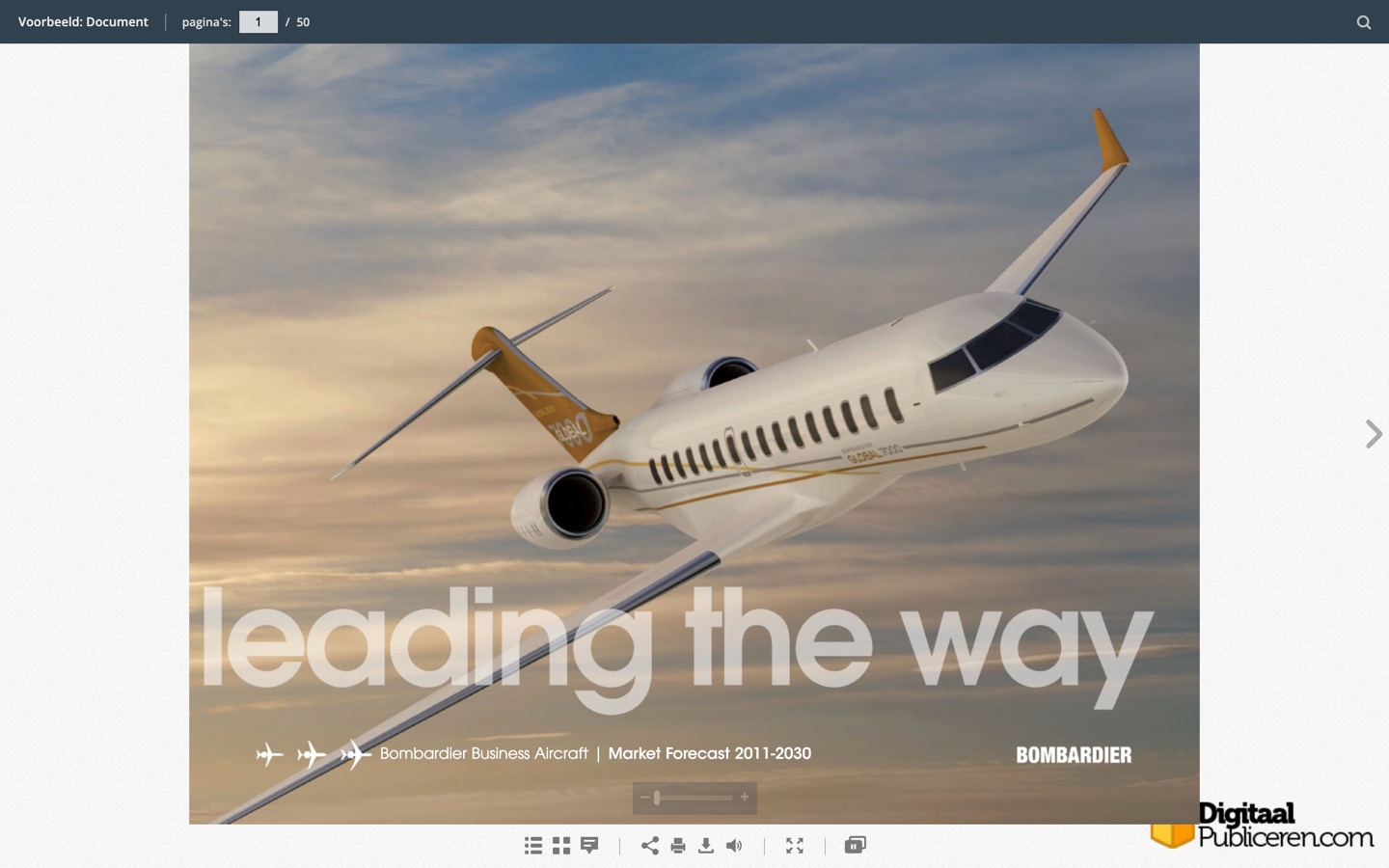
Flip through an example
Real publications, made from ordinary PDFs.
Frequently Asked Questions
Can I make a PDF browsable for free?
Some online tools have a free plan, subject to the terms of the respective tool. Digitaal Publiceren.com charges €75 €52,50 excl. VAT per publication, ad-free and including 12 months online.
How long does the conversion take?
At Digitaal Publiceren.com, your document is online within 1 hour after the PDF is delivered. With videos, it takes a maximum of 1 business day because we place videos manually.
Do the links from my PDF work?
Yes, at Digitaal Publiceren.com, links from your PDF also work in the page-flip document. Make sure they are actual hyperlinks in the PDF.
Do my readers need an app?
No. The document opens directly in the browser on smartphones, tablets, and computers, without any download or installation required.
Can I change the document later?
Yes. We can re-convert a modified PDF for €75 €52,50 excl. VAT. The new version replaces the old one under the same link, so shared links continue to work.
Can I get help in German?
Yes. Our telephone support at +31 416 745460 is available entirely in German.
Put your PDF online today
Nothing to install, and your PDF can follow later.
€75 €52.50 excl. VAT, no subscription